 Depotticker
Your whole portfolio,
live and at a glance.
Depotticker brings the positions from all your brokers into one clean app for Mac, iPhone and iPad: live prices, your real gains and losses in euros, and charts that are easy to read.
Version 0.2 · requires macOS 26 or later on Apple silicon · updates itself
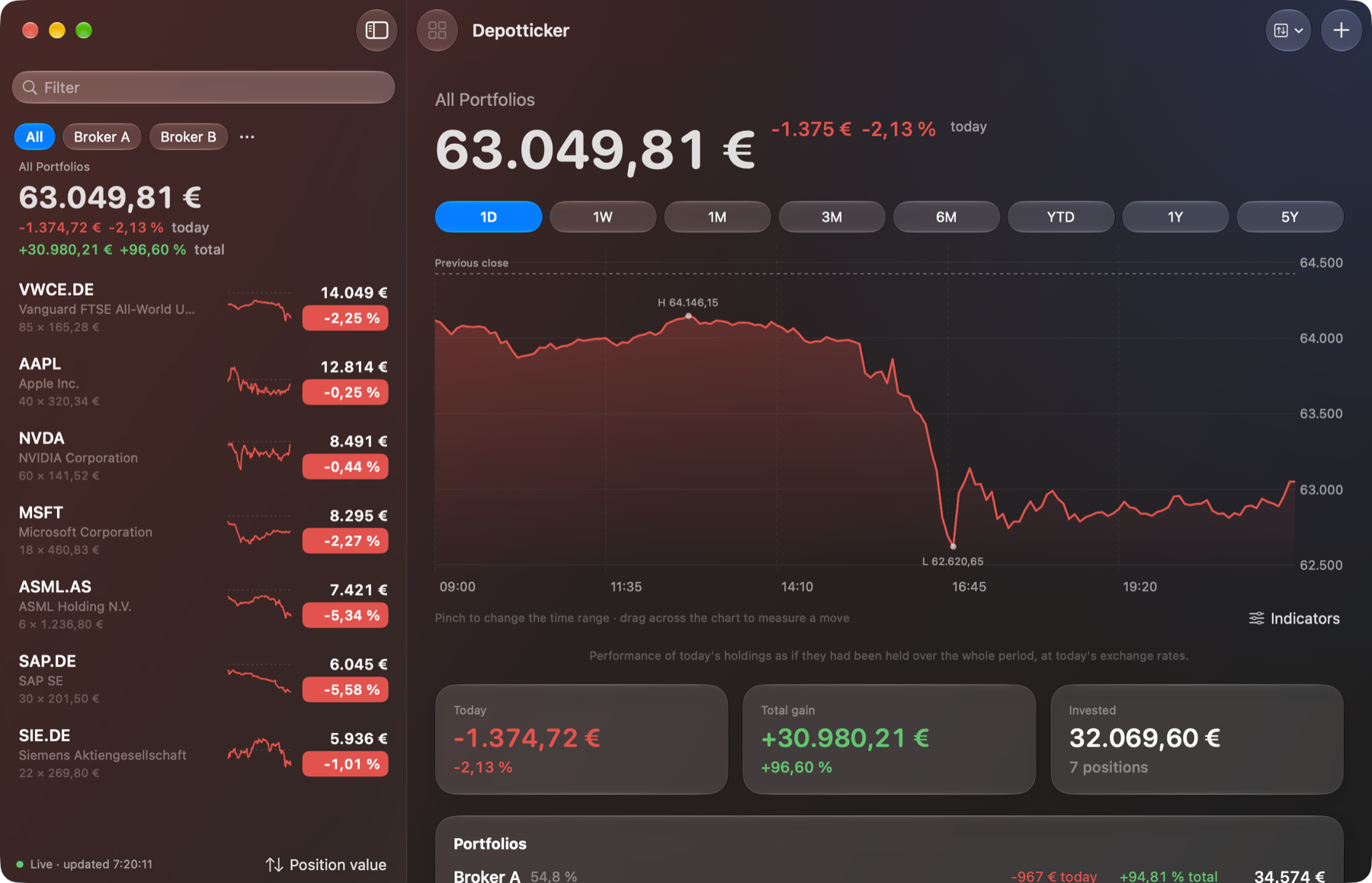
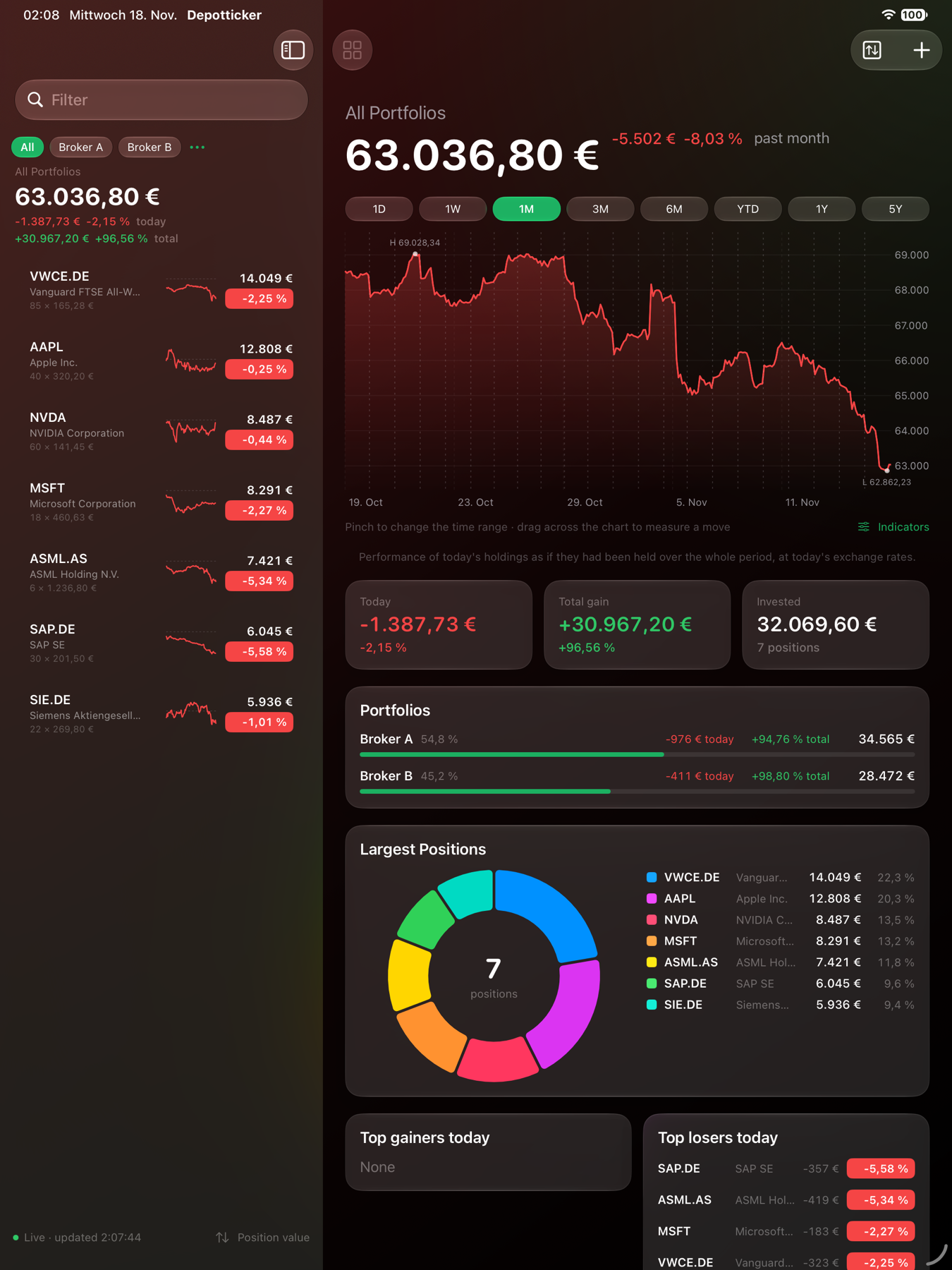
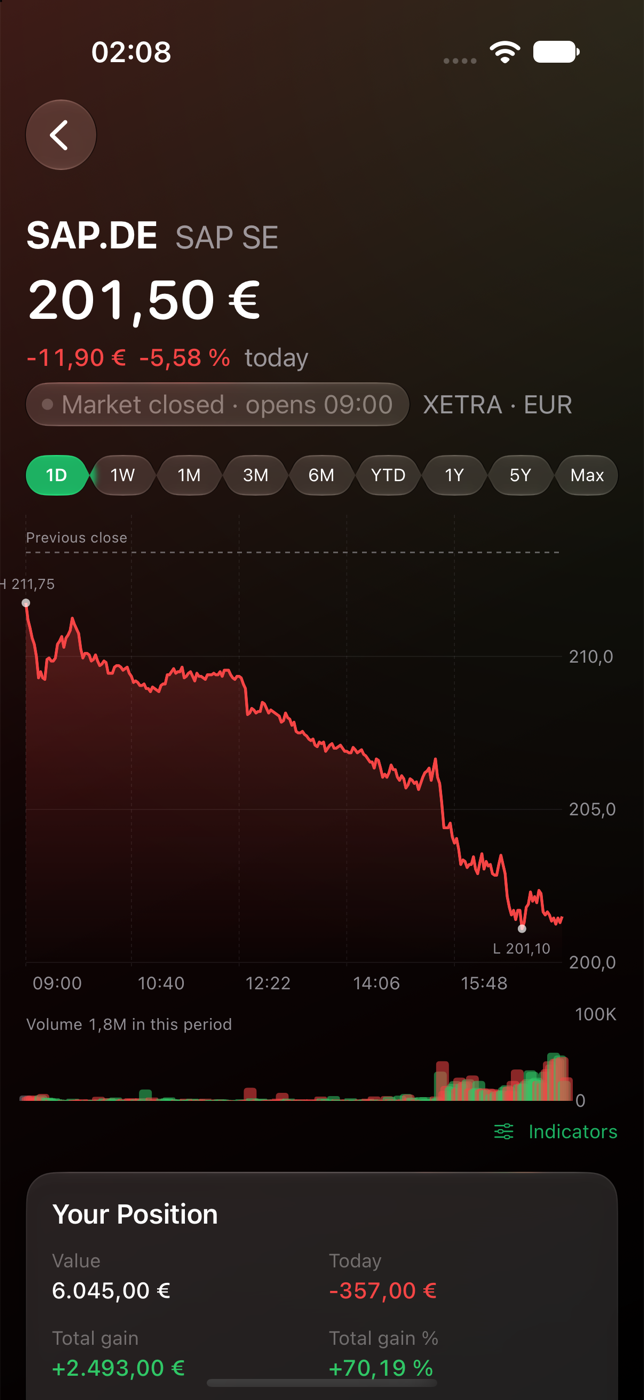
All brokers in one place
Keep a portfolio per broker and see them together or one at a time. Positions held at several brokers are combined.
Real gains in euros
Value, today's change and total gain for every position, converted from the listing's currency including the day's currency move.
Charts with substance
From one day to all time, with trading volume, high and low, moving average and your own average cost. Pinch to change the period, drag to measure a move.
Your portfolio as one line
See how today's holdings performed together over any period, like a fund of your own.
Key figures and news
P/E, earnings per share, market cap, dividend yield, analyst rating and the latest headlines for each stock.
Menu bar and widgets
Today's change in the Mac menu bar, and small, medium and large widgets for the desktop and Home Screen.
Private by design
No account, no tracking. Amounts hide automatically during calls and screen sharing, and windows can be kept out of recordings.
CSV in and out
Import positions from a spreadsheet, export them with current values, or start from the built-in template.
Ready for AI agents
A built-in MCP server lets assistants such as Claude read your portfolio and update positions when you ask them to.
Install on the Mac
Download the zip, open it and drag Depotticker into your Applications folder. The app checks for new versions by itself; you can also choose Depotticker › Check for Updates… at any time.
Questions? The help pages cover every feature.